 Punch List
REMINDERS
A nudge when it counts.
On your computer and your phone: a morning notification of what is due today and what is overdue, and an optional evening heads-up for tomorrow. You pick the times.
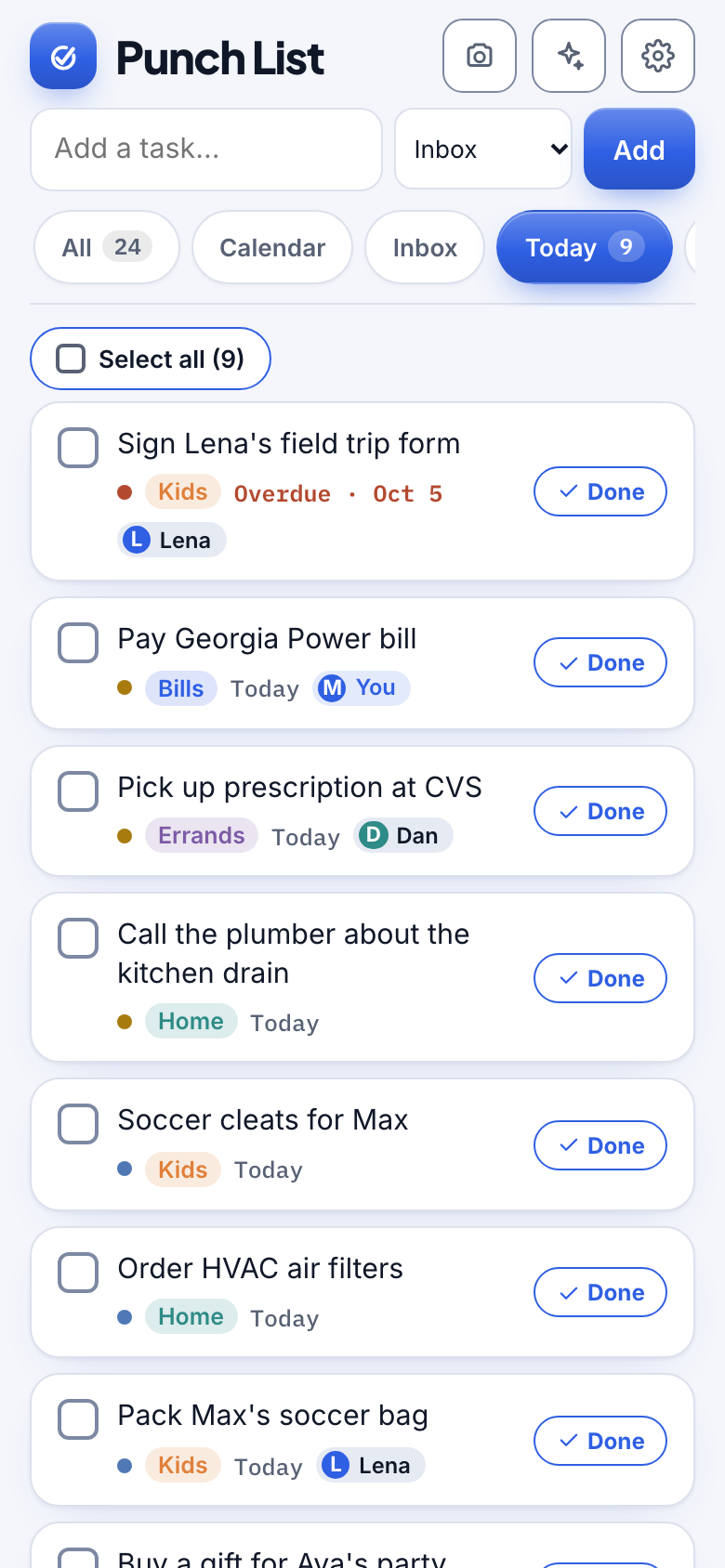
Watch it
Reminders on your phone and your computer
24 seconds, with captions.
How it works
Three steps.
1
Add to your home screen
On iPhone this is what lets notifications arrive.
2
Turn on reminders
One tap in Settings, then choose your times.
3
Get the nudge
Open it and you land right on the day it mentioned.
Details
Made to feel effortless.
- Morning summaryWhat is due today and what is overdue.
- Evening heads-upWhat is coming tomorrow, if you want it.
- Per-device controlSee every device that gets reminders and remove old ones.
- Test it firstSend yourself a test notification from Settings.
Questions
Do I need an app store app?
No. Add Punch List to your home screen and reminders work from there.
Can I turn them off?
Any time, per device.
More from Punch List