 Punch List
EMAIL TO TASK
Forward an email. It becomes a task.
Every account has its own private address. Forward an email and Punch List AI parses it, adds the tasks to your Punch List, fills in priority and due dates, and keeps the original attachments with each task.
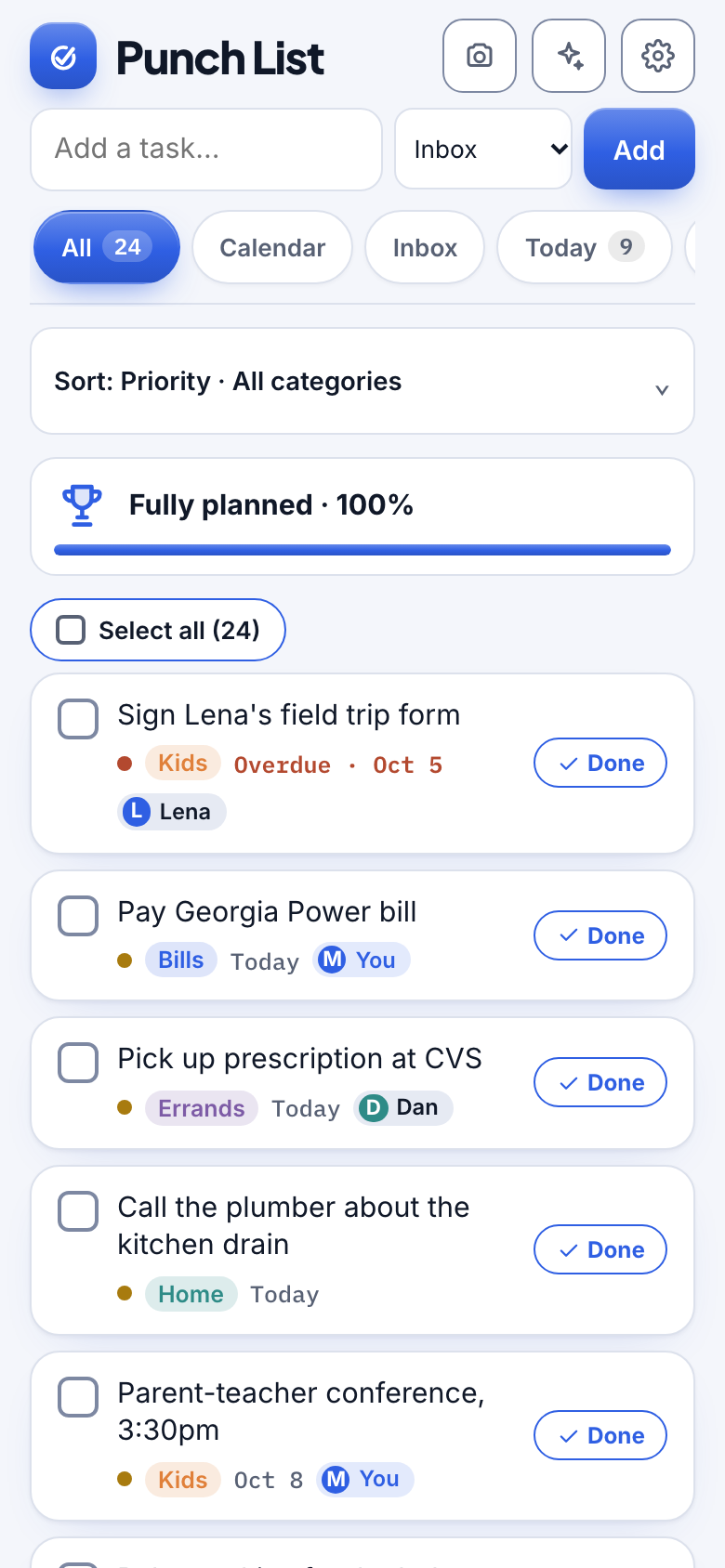
Watch it
Forward an email and it becomes a task
38 seconds, with captions.
How it works
Three steps.
1
Save your address
Find your private address in Settings and save it as a contact.
2
Forward the email
From any mail app. Attachments come along.
3
See it in your Inbox
Optional confirmation email tells you exactly what was added.
Details
Made to feel effortless.
- Reads attachmentsPDFs and photos on the email are read too, and a bill stays attached to its task.
- Keeps tracking numbersShipping emails keep the full number and link.
- Ignores the noiseReceipts and newsletters are left alone.
- Your address, your controlGet a new one any time and the old one stops working at once.
Questions
Who can send to my address?
Anyone who has it, so keep it to yourself. If it ever leaks, replace it in Settings.
Does it work with any email provider?
Yes. You are just forwarding a message.
More from Punch List